Know Exactly Where, How High, and Which Way
Tracking progress across a large site means a lot of photos that look similar at a glance. Altitude, compass heading, and GPS coordinates on each one make it possible to tell which floor, which side of the building, and which direction the camera was facing.
Camera, location, and stamp settings all stay on your device.
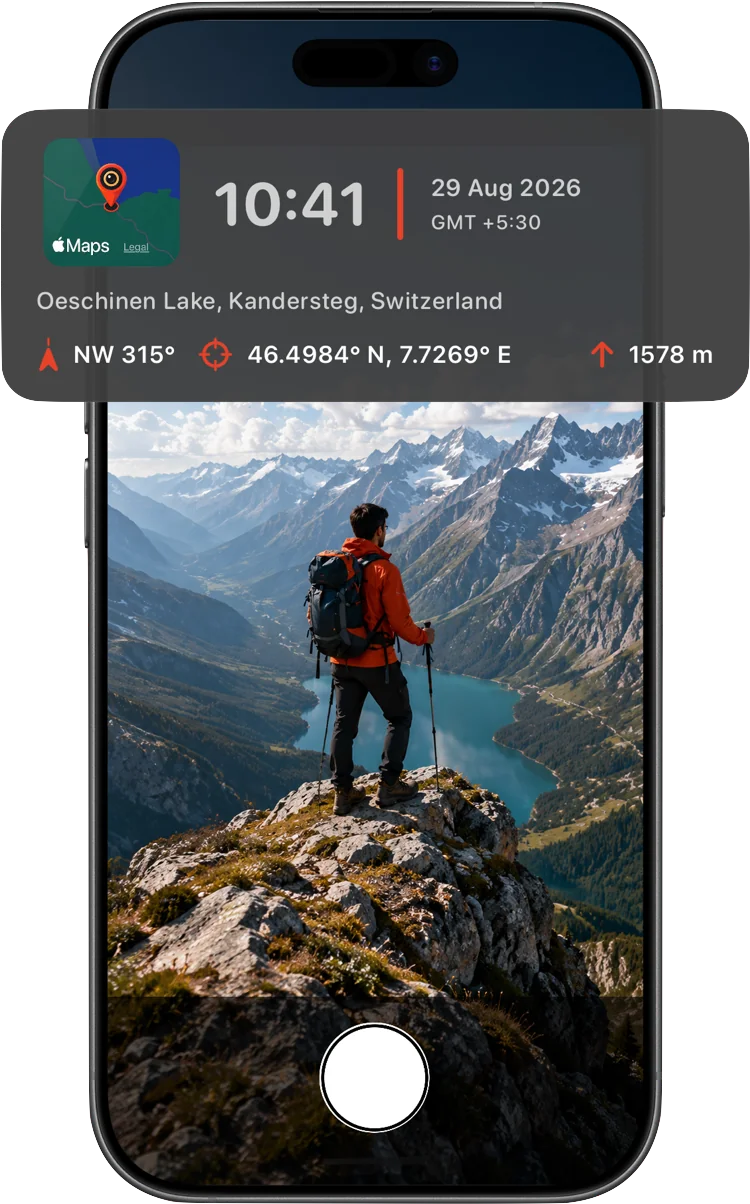
Precise location data on every photo
The detail crews and inspectors actually need, on every shot, with a single tap — no separate surveying tool or manual notes required.
- GPS coordinates in your preferred format
- Altitude in meters or feet
- Live compass heading with true or magnetic north
- Small map thumbnail pinned to the exact capture point
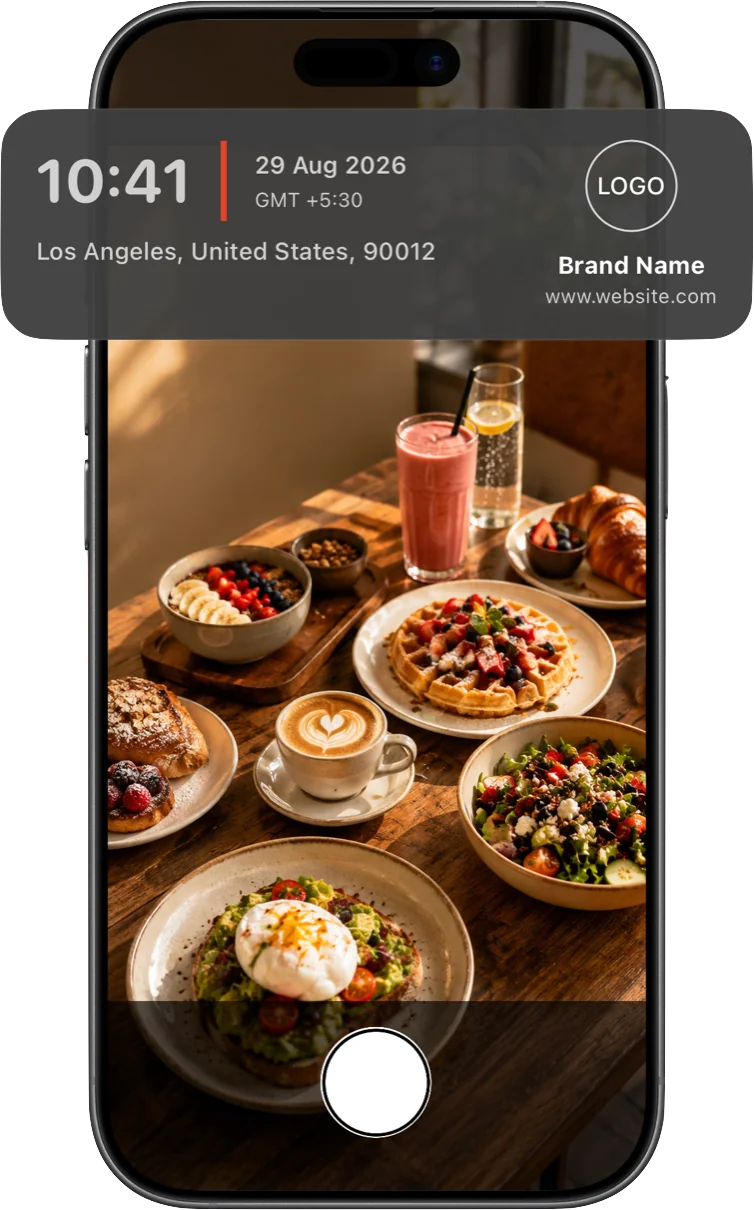
Your company's name on every report photo
Add your logo, company name, and contact line to every inspection photo — a professional touch on any progress report or client walkthrough.
- Upload your own logo image
- Add your company name
- Include a website or contact line
Frequently asked questions
How accurate is the altitude reading?
Altitude comes from your device's GPS and Apple's location services — the same source your iPhone's own Maps app relies on. Accuracy is generally good outdoors with a clear view of the sky, and can drop indoors or in dense urban areas.
Can I switch between meters and feet?
Yes, altitude can be displayed in either unit.
Does it work indoors or underground where GPS is weak?
Like any GPS-based tool, accuracy can drop with a weaker signal — deep indoors, underground, or in dense structures. Time and date always stamp correctly regardless; location fields reflect whatever signal is available at capture.
Can I add my company logo to inspection photos?
Yes. Upload a logo and add your company name and an optional website or contact line — it stamps onto every photo alongside the location data.